
OCTOBER 21, 2026
Commercial Wi-Fi Installation in Akron for Weak Coverage
Weak Wi-Fi usually comes from access point placement, building materials, interference, network congestion, or equipment that no longer fits the business. A commercial Wi-Fi installation in Akron should begin with a review of the building and how people use the network, followed by deliberate access point placement, configuration, testing, and security planning.
At UnlimitComp, we work with businesses that need reliable wireless coverage across offices, restaurants, retail spaces, warehouses, and other commercial environments. Our Wi-Fi and hotspot services address dead zones, poor signal strength, interference, bandwidth limitations, and outdated network configurations.
Why Commercial Wi-Fi Develops Dead Zones
Wi-Fi signals weaken as they travel away from an access point. Walls, floors, shelving, equipment, furniture, and other physical obstacles affect how far that signal travels and where it remains usable.
Some construction materials cause more trouble than others. Concrete, brick, metal framing, reinforced walls, and large glass surfaces can disrupt or weaken wireless coverage. Warehouses may have tall metal racks that change the signal pattern as inventory moves. An office with several interior walls can lose coverage even when the access point appears relatively close.
Building layout isn’t the only factor. Nearby wireless networks and electronic equipment may create interference. Network performance can also decline when too many devices compete for the same access point.
A dead zone may appear as:
- A device that disconnects in one room or aisle
- Video calls that freeze in certain areas
- Mobile point-of-sale devices that lose their connection
- Slow cloud applications despite a fast internet plan
- Employees moving closer to the router to work
- Guest Wi-Fi that becomes unreliable during busy periods
- Wireless cameras or displays that regularly go offline
These patterns provide useful clues. If wired computers work normally while wireless devices struggle, the internet connection itself may be fine. The problem likely sits within the wireless network.

Start Commercial Wi-Fi Installation in Akron With a Site Survey
Guessing where to place access points often creates uneven coverage. A device mounted in the center of the building may seem logical, but the strongest location depends on walls, user density, interference, device types, ceiling height, and the work taking place in each area.
A wireless site survey examines how radio frequency signals behave throughout the property. It identifies weak areas, physical barriers, competing signals, and possible access point locations.
Cisco’s wireless site survey guidance explains that a proper survey evaluates coverage, interference, equipment placement, power considerations, and wiring requirements. Those findings create a practical foundation for network design and installation.
The survey should reflect actual business use. A conference room filled with employees has different requirements from an empty storage room. A restaurant’s ordering area may need dependable connectivity for payment systems, while a warehouse may require roaming coverage for scanners and mobile devices.
Surveying the property during normal operations can expose conditions that an empty building won’t show. Equipment may run, customers may gather in one area, and neighboring networks may become busier at certain times.
Adding a Wi-Fi Extender Usually Isn’t the Best Fix
A consumer Wi-Fi extender can improve a weak signal in a small, uncomplicated space, but commercial environments present different demands.
An extender receives an existing wireless signal and rebroadcasts it. If the original connection is already weak or congested, extending it may spread the same performance problem into another area. Users might also need to switch between network names or remain connected to a distant device instead of moving cleanly to the strongest access point.
Commercial wireless networks typically use strategically placed access points connected to the network infrastructure. This approach gives the business greater control over coverage, capacity, security, and roaming.
Adding access points without a plan can create new interference. Several devices broadcasting at excessive power or using crowded channels may compete with one another. More equipment doesn’t automatically produce better Wi-Fi.
Coverage and Capacity Are Different Problems
A business may show strong Wi-Fi signal bars and still experience poor performance.
Coverage describes whether a usable signal reaches an area. Capacity describes whether the network can handle the number of connected devices and the work they’re performing.
Consider a waiting room where 40 visitors connect to guest Wi-Fi. The signal may appear strong, but users could still experience slow browsing because one access point is serving too many active devices. An office may have a similar problem during a large meeting when laptops and phones connect in the same room.
Commercial Wi-Fi planning should account for:
- The number of employees and regular visitors
- Business-owned computers, tablets, and phones
- Guest devices
- Wireless phones and video conferencing
- Security cameras and access control equipment
- Digital signage and connected displays
- Mobile scanners or point-of-sale systems
- Expected growth in devices and users
Bandwidth also matters, but buying a faster internet plan won’t correct every capacity problem. The internal wireless network still needs to distribute that connection efficiently.
Access Point Placement Matters
Access points work best when their positions reflect the building rather than convenience alone.
Placing every device in a utility closet may keep the equipment hidden, but walls and mechanical systems can restrict the signal. Mounting an access point at one end of a long building may leave the opposite end with unreliable coverage. Positioning devices too close together may increase channel interference.
Good placement considers where employees work, where customers gather, and where connected equipment operates. Installers must also plan for power, cabling, mounting surfaces, service access, and future changes to the space.
Multi-story buildings require extra attention. Signals travel through floors, sometimes producing interference between access points positioned directly above one another. Warehouses need placement that accounts for rack height, inventory density, open loading areas, and moving equipment.
Our network design services include wireless design, network planning, hardware selection, security implementation, and planning for future growth. Looking at the full network prevents the Wi-Fi portion from becoming an isolated patch.
Structured Cabling Supports Better Wireless Performance
Wi-Fi still depends on physical infrastructure.
Commercial access points commonly need network cabling for a stable connection to switches and other equipment. Some also receive power through the Ethernet connection. Poorly planned cabling can limit placement options or force an installer to put access points where connections happen to be available rather than where coverage needs them.
Before mounting equipment, review cable routes, network cabinets, switch capacity, available ports, and power requirements. Renovations and office build outs create a useful opportunity to plan these connections before walls and ceilings close.
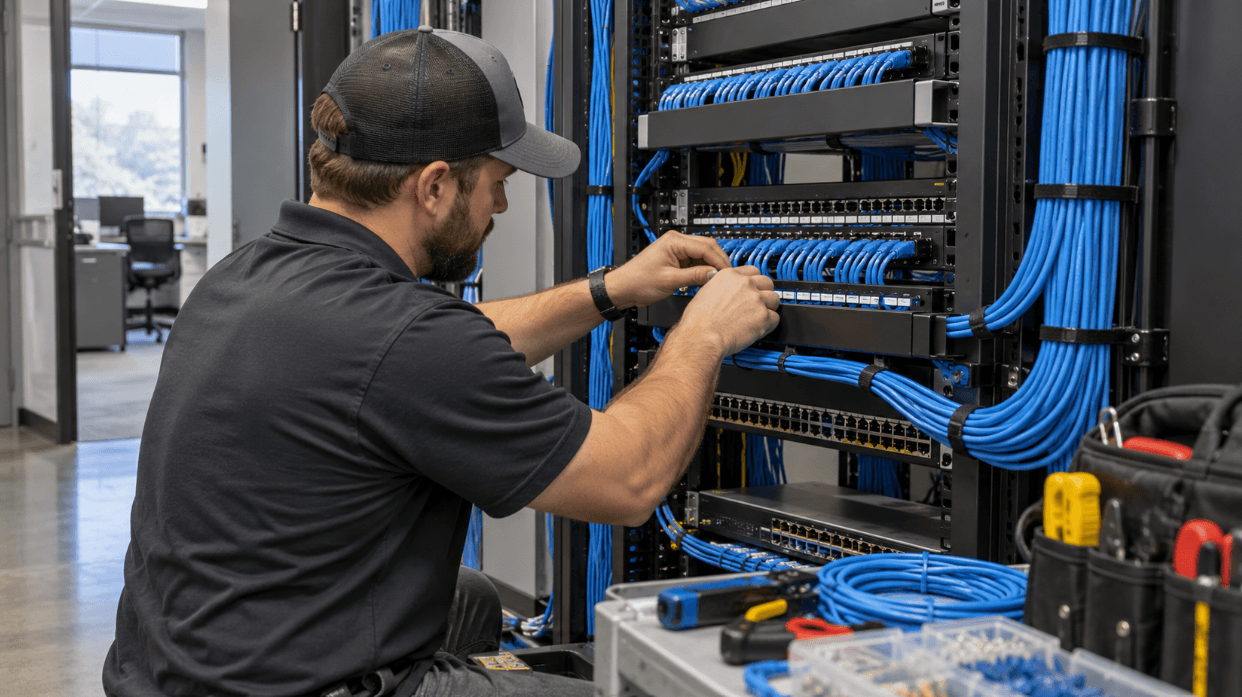
UnlimitComp’s structured cabling services include design, installation, cable management, testing, and certification for business technology infrastructure.
Separate Guest Wi-Fi From Business Systems
Customer Wi-Fi should not share unrestricted access with employee computers, internal servers, cameras, payment systems, or other sensitive equipment.
A properly configured commercial network can separate different groups of users. Employees may connect to one network, guests to another, and connected business equipment to a separate segment with access limited to what it needs.
This structure improves security and makes network management easier. Guest users can receive internet access without gaining visibility into internal resources. Businesses may also establish bandwidth limits, session restrictions, or a captive portal for visitors.
Network security should include current encryption, controlled administrative access, documented credentials, and a process for removing access when an employee leaves. Default passwords and shared administrator accounts make the system harder to protect and manage.
Test the Wi-Fi With the Devices Employees Actually Use
Installation isn’t complete when every access point turns on.
Testing should cover the rooms, aisles, workstations, counters, entrances, and exterior areas included in the project. The installer should check signal quality, interference, roaming, and performance while devices run normal business applications.
Use representative equipment during this process. A high-end laptop may receive a signal more effectively than an older scanner, tablet, or handheld device. Testing only with the installer’s computer could miss problems that employees encounter every day.
Roaming deserves attention in businesses where people move while connected. A warehouse employee carrying a scanner, a server using a tablet, or a manager walking between floors should remain connected as the device moves between access points.
After testing, document access point locations, network names, device settings, administrator access, and any areas that require future monitoring.
Know When the Existing System Needs More Than an Adjustment
Some weak coverage problems come from configuration or placement. Others point to an older network that no longer fits the business.
Your system may need a larger update if:
- Access points no longer receive security or firmware updates
- The business has added many users or connected devices
- Consumer-grade equipment supports critical operations
- Guest and internal traffic share the same unrestricted network
- Coverage problems return after repeated adjustments
- Nobody has current network documentation
- New rooms, floors, or buildings need connectivity
- The current network cannot centrally manage access points
Replacing one device without reviewing the wider system may leave the underlying problem in place. The modem, router, switches, cabling, internet service, and wireless access points all affect the final experience.
What to Prepare Before Requesting a Wi-Fi Installation Quote
A few details will make the first conversation more productive.
Gather a floor plan if one is available. Note the areas with weak or inconsistent service and the approximate number of employees, guests, and connected devices. Explain which applications depend on Wi-Fi and whether employees move through the building while using them.
It also helps to identify upcoming changes. A business may be adding workstations, remodeling a floor, opening a customer area, installing wireless cameras, or preparing for more mobile equipment. Planning for those changes now reduces the chance of redesigning the network shortly after installation.
Fix the Coverage Problem at Its Source
Reliable business Wi-Fi starts with evidence from the property. Access point placement, cabling, interference, device capacity, security, and daily workflows should shape the installation.
If your Akron business has dead zones, dropped connections, or Wi-Fi that slows down as more people connect, contact UnlimitComp. We can review the property and existing network, identify where coverage breaks down, and plan a commercial wireless system around the way your business operates.




Stay Connected
Subscribe for technology tips, service updates, and security insights.