SEPTEMBER 16, 2026
Security Camera Installation in Akron: Business Planning Guide
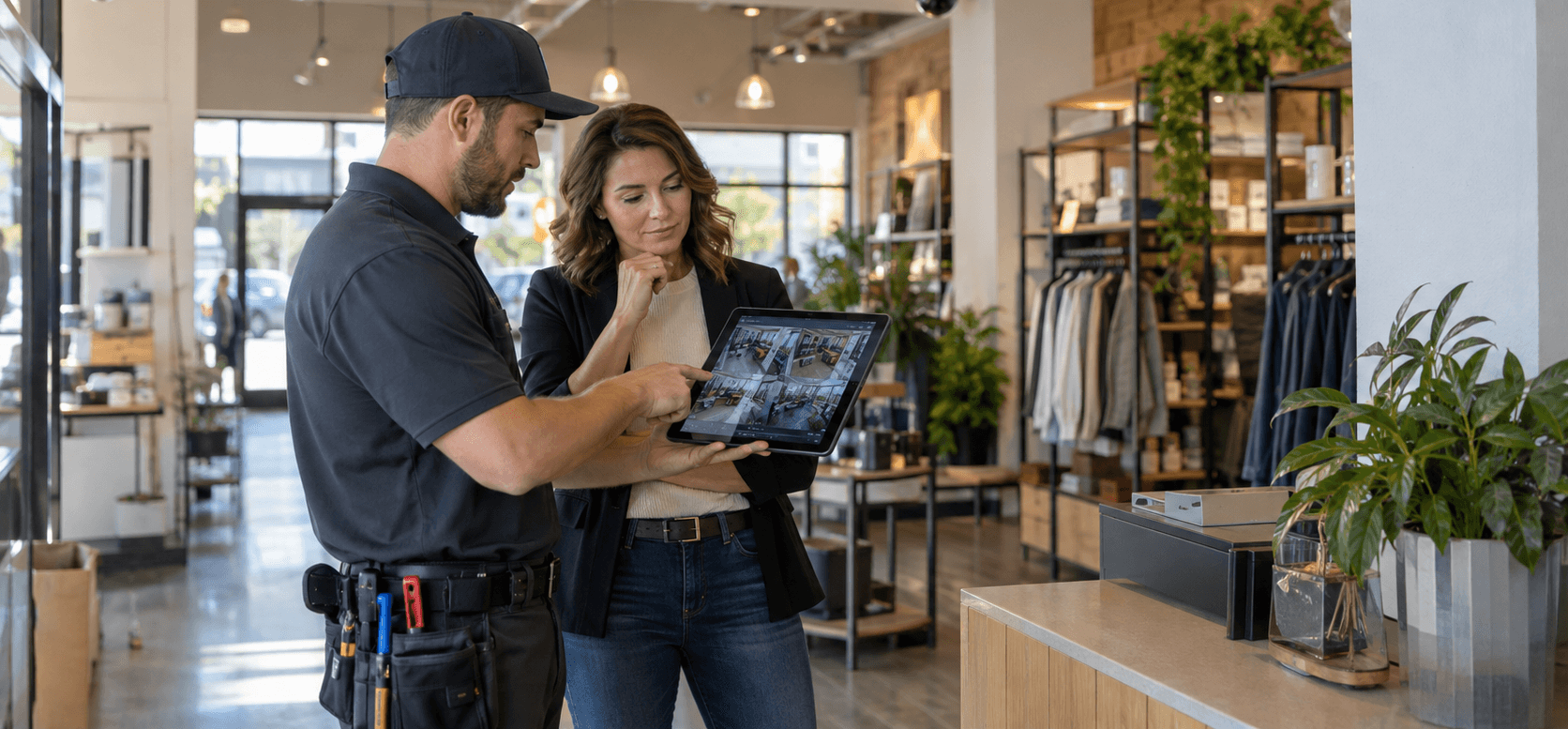
Security camera installation in Akron should begin with a clear plan for what the business needs to see, record, and review. Before choosing cameras, identify the areas where incidents are most likely to occur, the details that footage must capture, and who will manage the system. A camera near an entrance has a different job from one covering a warehouse aisle or parking lot. At UnlimitComp, we plan camera systems around the property, network, lighting, and day-to-day operations instead of starting with a generic equipment package.
Start With the Reason for Installing Cameras
“Improve security” is a reasonable objective, but it’s too broad to guide an installation.
A retailer may need a clear view of entrances, registers, sales floors, and delivery areas. An office could prioritize exterior doors, reception, equipment rooms, and employee parking. Warehouses often need wider coverage, longer viewing distances, and cameras positioned around loading docks, inventory areas, and vehicle movement.
Each camera should have a defined purpose. Decide whether it needs to:
- Show that someone entered an area
- Provide enough detail to identify a person
- Capture activity at a register or service counter
- Record vehicles moving through a lot
- Monitor inventory or restricted areas
- Give managers a live view of the property
- Document an incident for later review
These goals affect camera type, lens selection, mounting height, lighting, and storage. Without that planning, a business may end up with plenty of footage but very little usable detail.
Plan Camera Placement Around Real Activity
Good coverage depends on what happens within the camera’s field of view.
Entrances deserve particular attention because they create a predictable point where people move toward the camera. Placement should capture useful facial detail without forcing the camera to look directly into bright exterior light. In some buildings, one camera may cover the doorway while another records the wider entry area.
Parking lots introduce different challenges. A camera that shows a broad view of the property may not capture a readable license plate or a clear image of a person. Distance, vehicle speed, headlights, shadows, and weather all affect the result.
Inside the building, avoid treating every ceiling corner as an equally useful mounting point. Shelving, displays, partitions, machinery, and open doors may block the view. Akron businesses should walk through the property as customers, employees, and delivery drivers use it. That walk-through often reveals blind spots that don’t appear on a floor plan.
Our camera systems and security solutions include several camera formats for different viewing conditions, including IP, dome, bullet, PTZ, and thermal cameras. The right selection depends on the area and the evidence the business expects the camera to capture.
What to Consider Before Security Camera Installation in Akron
Northeast Ohio conditions matter, especially for exterior cameras.
Outdoor equipment must deal with rain, snow, temperature changes, direct sun, moisture, and debris. A protected entrance may create a relatively controlled environment, while a camera mounted on an exposed warehouse wall faces much harsher conditions.
Seasonal lighting also changes the view. A location that looks evenly lit during an afternoon walk-through may become dark before the business closes in winter. Snow cover, wet pavement, and headlights can produce glare. Trees and landscaping may block a camera once foliage returns.
Ask the installer to evaluate the property during both daytime and nighttime conditions when possible. Existing exterior lighting should become part of the camera plan. Night vision is useful, but it doesn’t automatically guarantee a clear image at every distance or angle.
The mounting surface deserves attention too. Brick, metal siding, drop ceilings, exposed beams, and finished office walls require different installation approaches. Businesses planning renovations should coordinate camera installation with electrical, construction, and IT work before ceilings close or new finishes go in.
Choose Image Quality Based on the Task
A high-resolution specification sounds reassuring, but resolution alone doesn’t determine whether footage will be useful.
The camera must place enough detail on the subject within the recorded scene. A wide-angle camera may produce a sharp overview while showing a person’s face as only a small part of the image. Digital zoom cannot recover detail that the camera never captured.
Lighting, frame rate, compression, lens choice, and distance also affect recorded video. For that reason, businesses should define important views before comparing specifications.
For example, a camera overlooking a showroom may need to track general activity across a large area. A camera at a controlled entrance should capture more specific identifying detail. Loading dock coverage may need to show people, packages, vehicles, and the sequence of events over a larger space.
Test important views under realistic conditions. Look at recorded footage rather than relying only on the live image displayed during setup.
Decide Between an NVR and DVR System
UnlimitComp installs both DVR and NVR camera systems.
A DVR records video from compatible analog cameras. It may make sense when a business has usable existing analog infrastructure or needs a smaller, straightforward system.
An NVR works with IP cameras that send video over a network. IP systems typically support higher resolutions, easier expansion, remote access, and advanced camera features. UnlimitComp recommends NVR technology for most modern security applications.
The decision should account for the building’s current cameras, cabling, network equipment, coverage requirements, future expansion, and budget. Reusing old infrastructure may lower part of the initial cost, but it shouldn’t lock the business into a system that no longer meets its needs.
Ask whether new cameras will work with the proposed recorder and whether the platform leaves room for expansion. A business opening another entrance, adding a warehouse section, or expanding its parking area shouldn’t have to replace the entire recording platform to add a few cameras.
Treat the Camera System as Part of the Network
IP cameras rely on the same underlying technology that supports many other business systems. Poor cabling, overloaded switches, weak network design, or inconsistent power can affect camera performance.
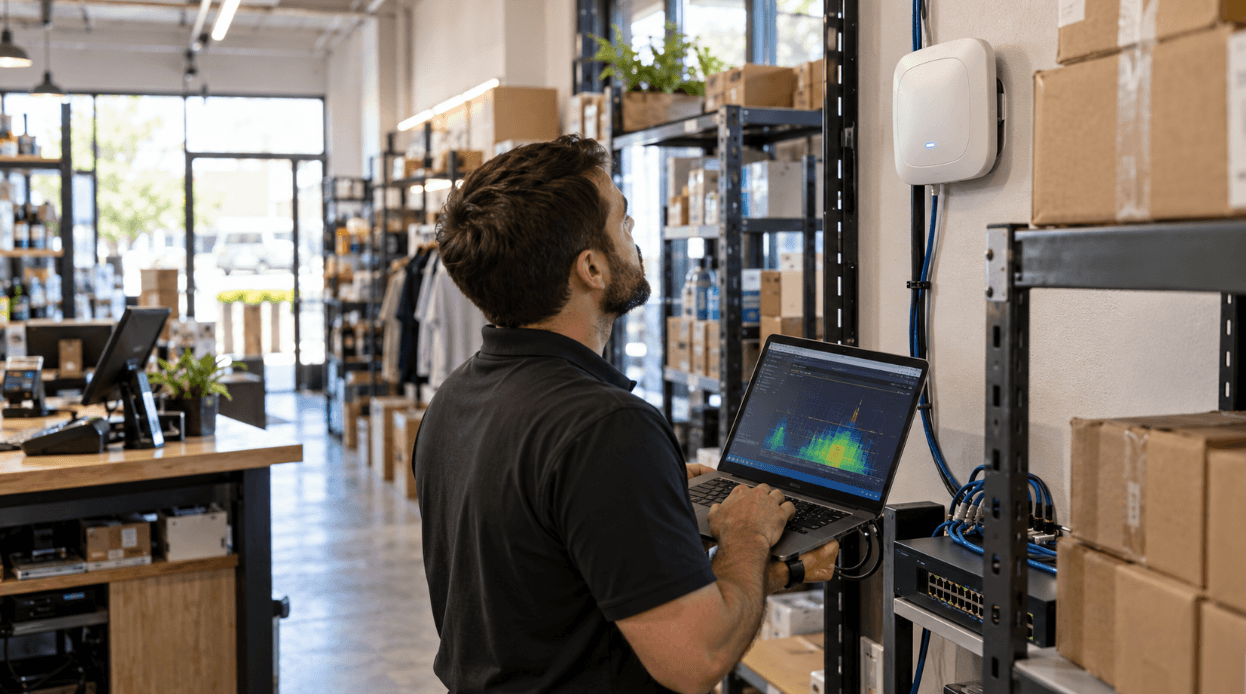
A commercial camera plan should account for bandwidth, Power over Ethernet capacity, network segmentation, recorder traffic, remote access, and future expansion. The camera installer and network provider need a shared understanding of how the system will connect.
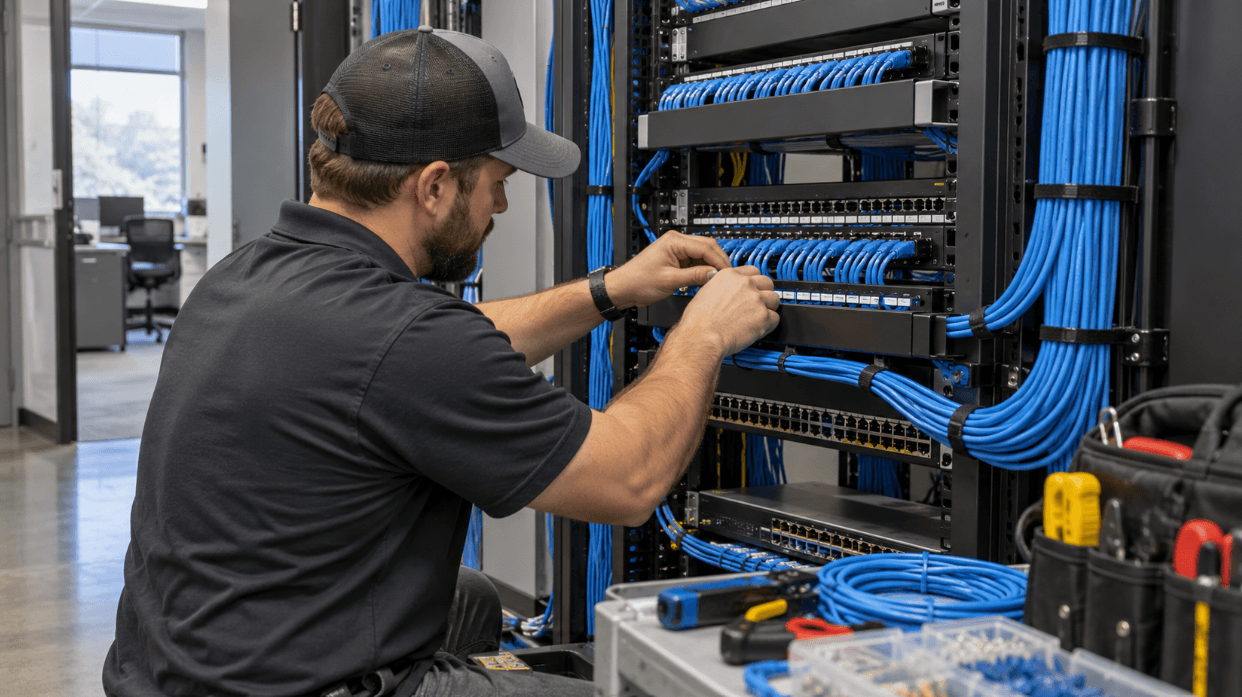
Our structured cabling services support organized data and camera connections throughout a building. When a larger infrastructure review is needed, our network design services address network architecture, wireless planning, security implementation, and scalability.
Connected cameras also require basic cybersecurity discipline. Change default credentials, limit administrative access, keep firmware current, and control who can view footage remotely. The Federal Trade Commission’s security camera guidance illustrates why strong passwords, multi-factor authentication, and software updates matter for internet-connected cameras.
Set a Practical Video Retention Period
Recording storage is one of the easiest parts of a camera project to underestimate.
The number of cameras, resolution, frame rate, recording schedule, compression settings, and amount of motion all affect how quickly storage fills. Keeping continuous high-resolution footage from many cameras requires more capacity than recording only when motion occurs.
Start by asking how long it usually takes the business to discover an incident. A retailer may notice a problem during the same shift. Inventory discrepancies, property damage, or workplace concerns might not surface until days or weeks later.
Then decide how much footage should remain available before the recorder overwrites it. Confirm whether important clips can be exported easily and whether exported files include the correct date and time information.
Cloud storage may be useful in some situations, while an onsite NVR may fit others. Some businesses use both. The right arrangement depends on internet reliability, retention expectations, access requirements, and how the organization wants to manage recorded data.
Control Who Can View and Export Footage
Remote viewing gives owners and managers convenient access, but access should remain limited and accountable.
Decide who needs live viewing, who can search recordings, and who has permission to export or delete footage. A store manager may need different privileges from an outside IT technician or regional supervisor.
Businesses should also create a simple process for footage requests. Employees need to know who reviews an incident, where exported files go, and how the company protects those files after download.
Camera placement requires judgment around privacy as well. Avoid areas where people reasonably expect privacy, and review any workplace monitoring questions with qualified legal counsel. Audio recording deserves separate consideration because microphones may create different consent and privacy issues from video alone.
Plan for Maintenance Before Something Happens
A camera can appear online while still producing poor evidence. Its lens may be dirty, its view may have shifted, the timestamp may be wrong, or nighttime performance may have declined.
Routine reviews should confirm that:
- Every expected camera is recording
- Important views remain unobstructed
- Night footage is clear enough for its purpose
- The recorder retains footage for the expected period
- Date and time settings are accurate
- Users can retrieve and export a test clip
- Remote access still works for authorized staff
- Firmware and account access remain current
UnlimitComp’s technology maintenance services include system checks, software updates, camera cleaning, and storage management. A scheduled review gives the business a chance to find problems before it needs footage from a real incident.

Questions to Ask Before Approving an Installation
A useful proposal should explain how the system fits the property rather than simply listing equipment.
Before moving forward, ask:
- What job does each proposed camera perform?
- Which views provide identification-level detail?
- How will the cameras perform after dark?
- Are any important areas outside the current plan?
- Does the existing network have enough capacity?
- Will the project require new structured cabling?
- How many days of footage will the system retain?
- What happens when storage becomes full?
- Who will receive administrator access?
- How will users view and export recordings?
- Can the system expand later?
- What maintenance will the cameras and recorder need?
Clear answers make it easier to compare proposals and spot missing work. They also reduce the chance of unexpected cabling, storage, or network costs after installation begins.
Build the System Around Your Akron Property
A useful security camera system starts with the building and the business activity inside it. Camera count comes later. Placement, lighting, recorded detail, network capacity, retention, user access, and maintenance determine how well the system performs after installation.
At UnlimitComp, we assess the environment, plan the infrastructure, install compatible camera and recording equipment, and support the technology after setup. If you’re planning security camera installation for an Akron business, contact our team to discuss the property, the areas you need to monitor, and the systems already in place.
A walk-through and a written list of coverage priorities will give the project a much stronger starting point than choosing cameras from a product list.


Stay Connected
Subscribe for technology tips, service updates, and security insights.