NOVEMBER 9, 2026
Fiber vs. Ethernet Cabling for Commercial Buildings: How to Choose
When comparing fiber vs. Ethernet cabling for a commercial building, it helps to clarify the terms first: Ethernet is a networking technology, not one type of cable. An Ethernet connection can use copper twisted-pair cable or fiber optic cable. For many buildings, the practical choice is where to use copper for individual devices and where fiber makes more sense for longer or higher-capacity links. At UnlimitComp, we install both as part of structured cabling projects for businesses in Akron and Northeast Ohio.
The right layout depends on distance, connected equipment, power needs, the building’s electrical environment, and plans for future growth. A good design may use both types rather than choosing one for the entire property.
Fiber vs. Ethernet Cabling: What Actually Differs?
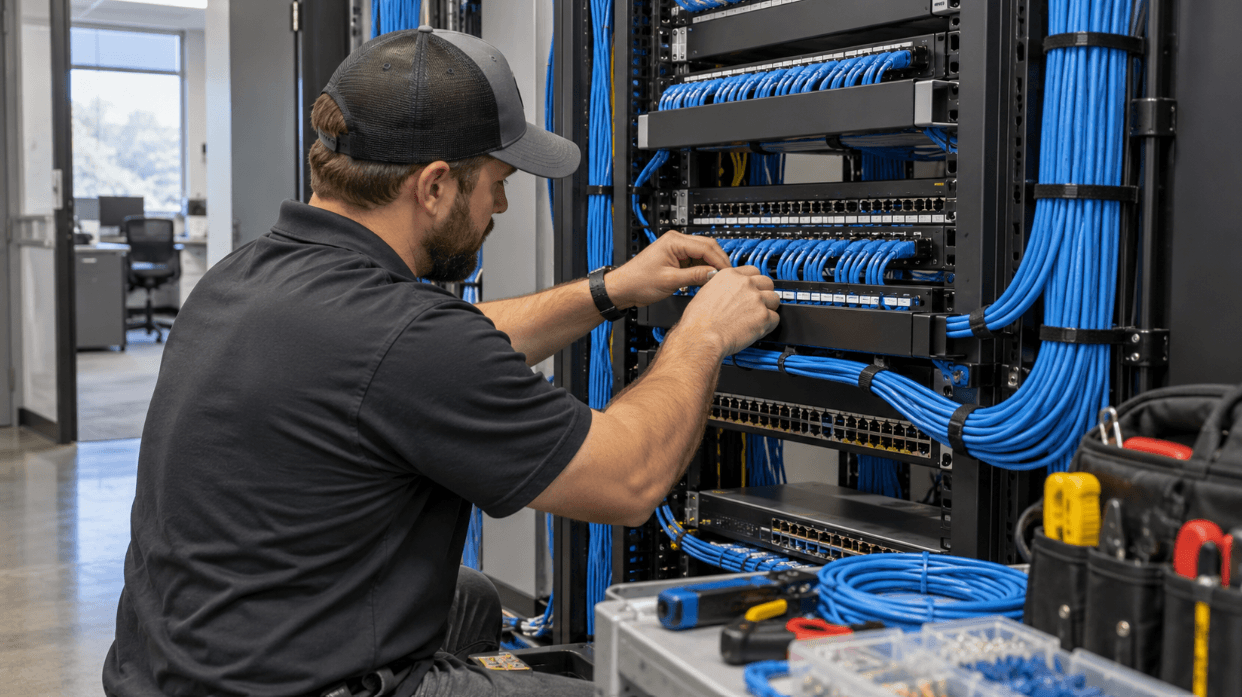
Copper Ethernet carries data as electrical signals through twisted pairs of copper wire. It’s commonly used to connect computers, phones, printers, cameras, and wireless access points to a nearby network switch. Many devices also use Power over Ethernet, or PoE, which carries power and data over the same copper cable.
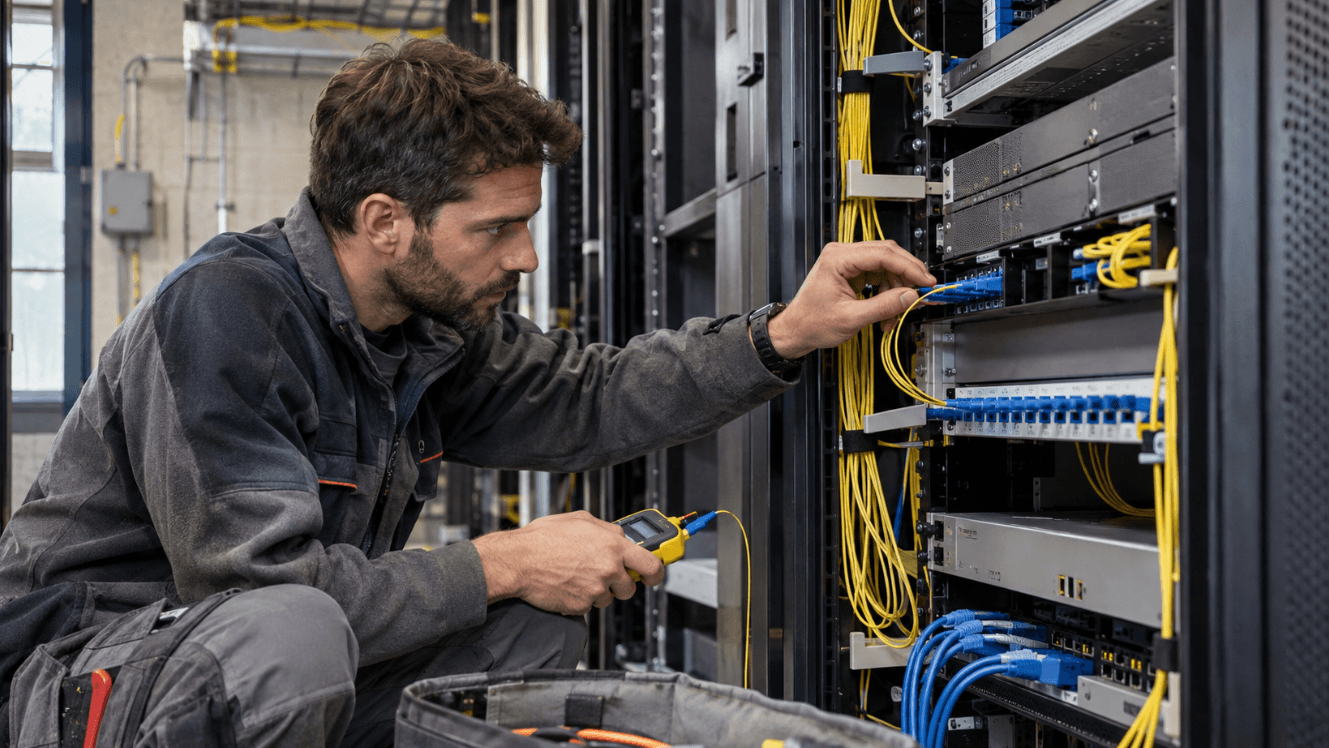
Fiber optic cable carries data as light through glass or plastic strands. It’s often used for links between network rooms, floors, buildings, or equipment that needs a longer or higher-capacity connection. Fiber doesn’t carry electrical power to an endpoint, so a device at the far end needs a separate power source or an appropriate powered-fiber setup.
Both media can carry Ethernet traffic. The choice is between copper Ethernet and fiber Ethernet for a particular connection, based on what that link needs to do.
When Copper Ethernet Is a Practical Fit
Copper works well for many connections within an office, retail space, warehouse, or other commercial building. It connects directly to the Ethernet ports found on common business devices, and PoE can simplify installation for devices such as access points and cameras.
Distance is a key limit. Standard four-pair copper Ethernet channels are generally designed for a maximum length of 100 meters, including the permanent cable and patch cords. If a device sits farther from the network room, the design may need a different pathway or medium.
Copper can also be the straightforward choice when devices need PoE, the run fits within the applicable limit, and the building doesn’t create unusual electrical interference. That doesn’t mean every short run should use copper. The connection’s performance, environment, and equipment still matter.
When Fiber Optic Cabling Makes More Sense
Fiber becomes worth considering when a copper run would exceed its standard distance, or when the network needs a high-capacity connection between network rooms or separate buildings. It can also suit locations with strong electromagnetic interference, since fiber carries light rather than electrical signals.
That can matter in industrial spaces with large motors or equipment, or where cabling must travel between buildings. Fiber can provide electrical isolation between locations, but the full design still needs to account for compatible switches or media converters, connectors, and equipment at both ends.
Fiber isn’t a single specification. Multi-mode and single-mode fiber support different distances and equipment combinations. The right option depends on the intended data rate, link length, and optical transceivers. The Telecommunications Industry Association’s TIA-568 cabling standards cover both balanced twisted-pair and optical-fiber cabling used in customer premises.
How PoE Changes the Decision
Power over Ethernet is often an important reason to keep a device on copper. A camera or wireless access point may receive both network connectivity and power from a PoE switch over one cable. That can reduce the need for a separate electrical outlet near each device.
Fiber doesn’t provide PoE by itself. If a fiber link connects a device that needs power, the design must provide power at the device location or use equipment built to deliver power and data through a suitable hybrid arrangement.
Consider a ceiling-mounted access point in a single office. Copper may be a practical fit if the cable run is within limits and PoE is available. For a link between separate buildings, fiber may be a better data connection, but the equipment at the far end still needs a power plan.
Use a Mix of Fiber and Copper Across the Building
Commercial networks often use a layered approach. Copper runs from a nearby network room to individual devices, while fiber links the network rooms or connects distant parts of the property. That arrangement places fiber where distance or capacity calls for it and keeps copper available for endpoints that use PoE.
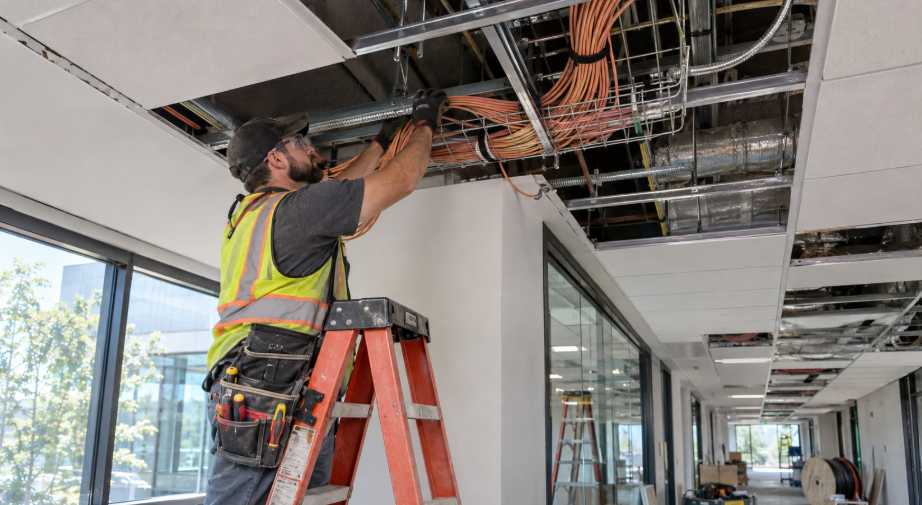
A building with several floors might use fiber between its main equipment room and floor-level network rooms. From those rooms, copper connections can serve workstations, phones, cameras, and access points. A warehouse with a separate outbuilding might also use fiber between buildings, then copper within each space.
The right layout depends on the building’s size, pathways, equipment, and network design. Our structured cabling services include Cat6, Cat6A, and fiber installation, along with patch panels, network racks, cable testing, and labeling.
Compare the Full Installation, Not Just the Cable
The cable itself is only one part of the project. Include compatible switches and optical transceivers in a fiber estimate. For copper, consider cable category, PoE requirements, cable routes, and the number of connections. For either medium, pathways, terminations, testing, labeling, and documentation affect the finished system.
Check the existing network before replacing it. Some buildings may have usable cabling in place; others may have undocumented runs or infrastructure that no longer meets the project’s needs. A connection that appears to work still needs appropriate testing before you rely on it for an important device or link.
Think about future use as well. If you expect to add access points, cameras, workstations, or another floor, account for those locations before installation. Planning the network alongside your network design can align cabling choices with switch placement, bandwidth needs, and future expansion.
Questions to Answer Before Choosing
Before settling on copper, fiber, or a combination, map the connections and gather a few details:
- How far is each device from its network room?
- Which endpoints need PoE?
- Will a link run between floors, buildings, or electrically noisy areas?
- What data rates do the connected equipment and switches support?
- Which pathways already exist, and are they accessible?
- What changes or additions do you expect over the next several years?
These answers help define where each medium belongs. They also prevent a common planning mistake: selecting cable first and discovering later that the network equipment, power requirements, or building pathways don’t match.
At UnlimitComp, we work with businesses in Akron and across Northeast Ohio on network design and structured cabling. If you’re planning a new commercial network or upgrading existing infrastructure, contact our team with a floor plan, a list of connected equipment, and the distances between network rooms. That gives us a useful starting point for discussing the right cabling layout.




Stay Connected
Subscribe for technology tips, service updates, and security insights.