
JULY 28, 2026
Why Reactive IT Support Costs Businesses More
Businesses often wait to call IT support until something breaks. That approach feels economical because there’s no monthly service bill attached to a quiet week. In practice, reactive IT support usually costs more. The visible repair invoice is only one part of the expense. Lost work, interrupted sales, rushed decisions, delayed projects, and preventable security exposure often cost far more than the repair itself.
A proactive approach changes the goal. Instead of asking how quickly someone can fix a failure, the business asks how many failures can be prevented, caught early, or contained before they affect daily operations.
Emergency IT Starts After the Business Is Already Losing Money
By the time an employee reports that the server is down, the damage has started. Staff members may be unable to access files. A point-of-sale system might stop processing transactions. Calls may go unanswered because the phone system depends on the same network. Managers get pulled away from their normal work to coordinate a response.
The technical issue could be fairly small. A failing switch, expired license, full storage drive, or missed software update may be enough to interrupt an entire office. What makes the incident expensive is the number of people and business processes that depend on the affected system.
Reactive support focuses on restoration. That matters, but it doesn’t recover the hours already lost. It also doesn’t explain why the problem wasn’t identified earlier.
Downtime Has Costs That Never Appear on the IT Invoice
An emergency repair bill is easy to measure. The surrounding costs are less obvious.
Consider a company with 20 employees. If a network outage keeps them from working for two hours, the business loses 40 hours of productive time before anyone counts the manager coordinating repairs, the customers who couldn’t get a response, or the work that must be rescheduled.
The same issue can create several types of loss:
- Employees are paid while systems are unavailable.
- Customer calls, appointments, or orders are delayed.
- Staff members create workarounds that later require cleanup.
- Deadlines move and other departments inherit the delay.
- Leadership spends time managing a technical problem instead of the business.
Some disruptions also affect trust. Customers don’t need to understand why the system failed. They only know that the business couldn’t complete the transaction, retrieve the record, or provide the promised service.
Small Warning Signs Often Come Before a Major Failure
Technology rarely goes from healthy to unusable without leaving clues. Storage use climbs. Hardware starts reporting errors. Backups fail. Wireless coverage becomes inconsistent. Software falls behind on patches. Users submit repeated complaints about the same slow application.
Without regular monitoring, those clues remain scattered. Each employee experiences a small inconvenience, but nobody sees the larger pattern until the system stops working.
Proactive IT support brings those signals together. Monitoring, routine maintenance, asset tracking, and performance reporting give the business a clearer picture of its environment. UnlimitComp’s managed IT services include ongoing monitoring, infrastructure support, IT security, and maintenance rather than limiting service to one-time repairs.
This doesn’t mean every outage disappears. Hardware still ages, internet providers still have service issues, and unexpected failures still happen. The difference is that the business is better prepared. A warning may be addressed before it becomes an outage, while an unavoidable incident has a documented environment and support process behind it.
Delayed Updates Create Technical and Security Debt
Postponing software updates is a common example of short-term convenience creating a larger problem. A company delays an update because restarting devices is inconvenient. Then another update arrives. Compatibility problems develop, security patches remain unapplied, and the eventual upgrade becomes a project instead of routine maintenance.
The Federal Trade Commission’s cybersecurity guidance for small businesses recommends setting a schedule for software updates, regularly backing up important files, using multi-factor authentication, and monitoring systems for unauthorized access.
Those tasks are basic, but consistency is the hard part. Someone must know which devices and applications the business uses, which versions are current, whether updates succeeded, and whether a backup can actually be restored.
A rushed response after a security incident is a poor substitute for that routine. UnlimitComp’s software upgrade solutions and ongoing technology maintenance address the work that is easiest to postpone when nobody owns it.
Reactive Support Encourages Patchwork Decisions
Emergencies create pressure to choose the fastest available fix. That may mean buying hardware based on immediate availability, adding another consumer-grade wireless access point, or replacing one failed component without checking the rest of the system.
The repair gets the business running again, but the environment becomes harder to manage. Over time, equipment from different generations accumulates. Cabling isn’t labeled. Passwords live in personal notes. Nobody has a current network map. Renewals arrive without a clear owner.
This patchwork raises the cost of every future project because technicians must first figure out what is already there.
A proactive relationship makes planning possible. Hardware can be replaced according to condition, support status, and business priority. Network changes can be documented. New equipment can be selected for compatibility with the wider environment, not just the problem sitting on today’s desk.
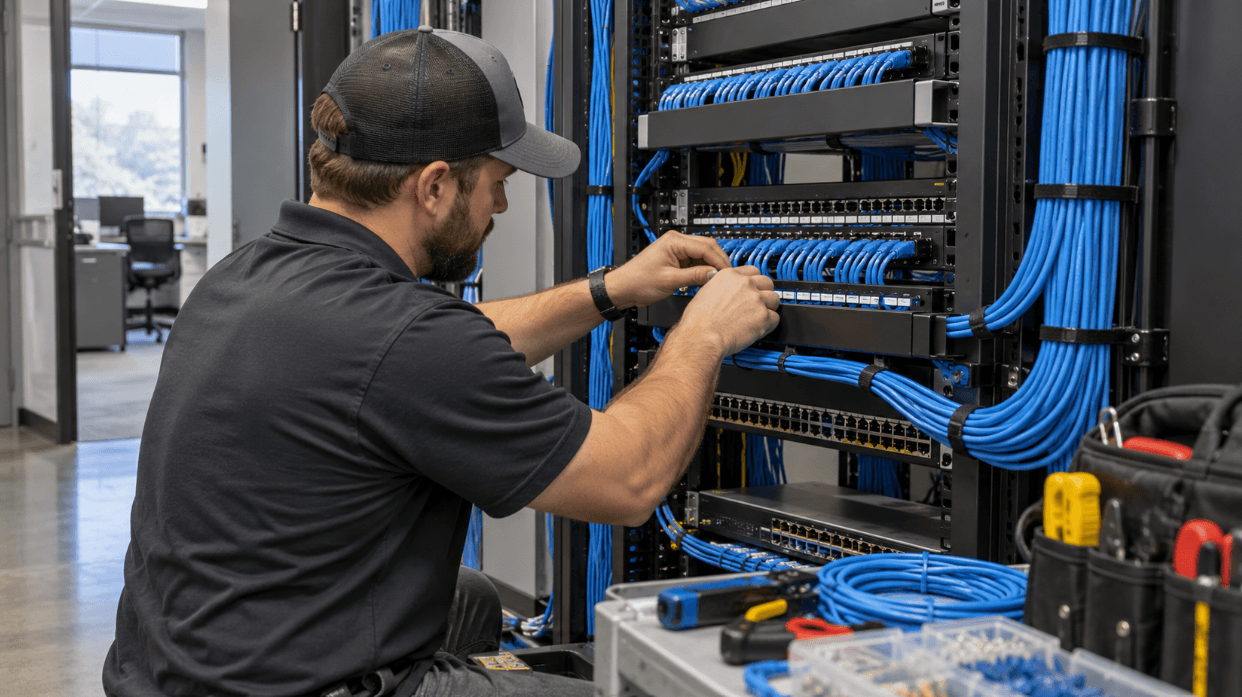
That matters during office moves, expansions, renovations, and new system rollouts. A well-planned network design and properly documented structured cabling give future technology a stable foundation.
Proactive IT Support Still Needs a Clear Business Purpose
Paying for ongoing support doesn’t automatically produce better results. The service should be tied to the systems the business actually relies on and the level of disruption it can tolerate.
A useful IT plan should answer practical questions:
- Which systems are critical to daily operations?
- How quickly must each system be restored?
- Who is responsible for approving changes?
- Are backups monitored and tested?
- Which devices, licenses, warranties, and renewals need tracking?
- What happens when the primary internet connection fails?
- How will employees report suspicious activity or recurring problems?
The answers will look different for a medical office, warehouse, retailer, professional-services firm, or multi-location operation. A two-hour outage might be inconvenient for one company and financially serious for another.
Clear priorities keep managed services from turning into a vague collection of tools. Monitoring should lead to action. Reports should explain risk and performance in plain language. Recommendations should account for the business’s budget, growth plans, and actual workflow.
The Better Question Is What the Business Avoids
The value of proactive IT support isn’t measured by the number of emergency tickets submitted. In a healthy environment, the ticket count may go down because recurring problems are corrected and routine work happens before users notice an issue.
Look at what the business avoids:
- Fewer preventable interruptions
- Less staff time spent troubleshooting
- Fewer rushed hardware purchases
- Better visibility into aging systems
- More consistent updates and backups
- Cleaner planning for future projects
There will still be support requests. Employees forget passwords, equipment gets damaged, and applications behave unpredictably. The point isn’t to pretend technology will never fail. It’s to stop treating every failure as a surprise.

Move From Repair Calls to an IT Plan
Move From Repair Calls to an IT Plan
A business doesn’t need to replace everything at once to move away from emergency-only support. Start with an assessment of the current environment. Identify the systems that affect revenue, customer service, communication, security, and access to essential records.
From there, document the network, review software and hardware status, confirm backup responsibilities, and decide what should be monitored. Older equipment can be prioritized according to risk instead of replaced randomly.
UnlimitComp provides managed IT, network, security, maintenance, and infrastructure services from its Akron, Ohio office. Businesses that want a clearer view of their current setup can contact UnlimitComp to discuss where recurring problems, outdated systems, or missing documentation are creating unnecessary risk.
Emergency support fixes the problem in front of you. Proactive IT support looks at why it happened, what else could fail, and what should be done before the next workday is interrupted.




Stay Connected
Subscribe for technology tips, service updates, and security insights.